
This article walks through your first request and the concepts every endpoint shares.
| Concept | How it works |
|---|---|
| Dates | start and end are local wall-clock times, e.g. "2026-08-26T00:00:00". A full day is 00:00:00 to 23:59:59. end must be after start. |
| Time zone | Dates are interpreted in your customer time zone automatically. Send an optional timeZone (IANA id, e.g. "Europe/Copenhagen") to override per request. |
| Select all | Wherever you filter by extensions, queues or ring groups, ["All"] selects everything. Omitting the extension filter also means all. |
| Disabled agents | When selecting all extensions, agents marked disabled in JEDWare are excluded, matching your JEDWare reports. Set "includeDisabledAgents": true to include them. |
| Durations | All durations in responses are integer seconds (for example totalTalkTimeSeconds and averageWaitTimeSeconds). |
| Time buckets | Add "intervalMinutes": 1440 for per-day rows (or 15, 30, 60 for shorter buckets). Only buckets containing calls are returned. |
| Call detail | Add "includeCalls": true to attach the individual calls behind the statistics. |
POST https://mycompany.3cx.dk/jedware/api/v1/statistics/agents
X-Api-Key: jed_xxxxxxxxxxxxxxxxxxxxxxxx
Content-Type: application/json

{
  "start": "2026-08-26T00:00:00",
  "end": "2026-08-26T23:59:59",
  "extensions": ["All"],
  "intervalMinutes": 1440
}
Response (shortened):
{
  "start": "2026-08-26T00:00:00",
  "end": "2026-08-26T23:59:59",
  "timeZone": "Europe/Copenhagen",
  "totals": {
    "totalCalls": 42, "answeredCalls": 39, "lostCalls": 3,
    "inboundCalls": 25, "outboundCalls": 12, "internalCalls": 5,
    "totalTalkTimeSeconds": 8455, "averageTalkTimeSeconds": 216,
    "averageWaitTimeSeconds": 9
  },
  "agents": [
    {
      "extension": "204", "firstName": "Lars", "lastName": "Larsen",
      "inboundCalls": 11, "inboundAnswered": 10, "inboundLost": 1,
      "outboundCalls": 4, "internalCalls": 2,
      "totalTalkTimeSeconds": 2749, "averageTalkTimeSeconds": 161,
      "averageWaitTimeSeconds": 4
    }
  ],
  "intervals": [ { "intervalStart": "2026-08-26T00:00:00", "totalCalls": 42 } ],
  "calls": null
}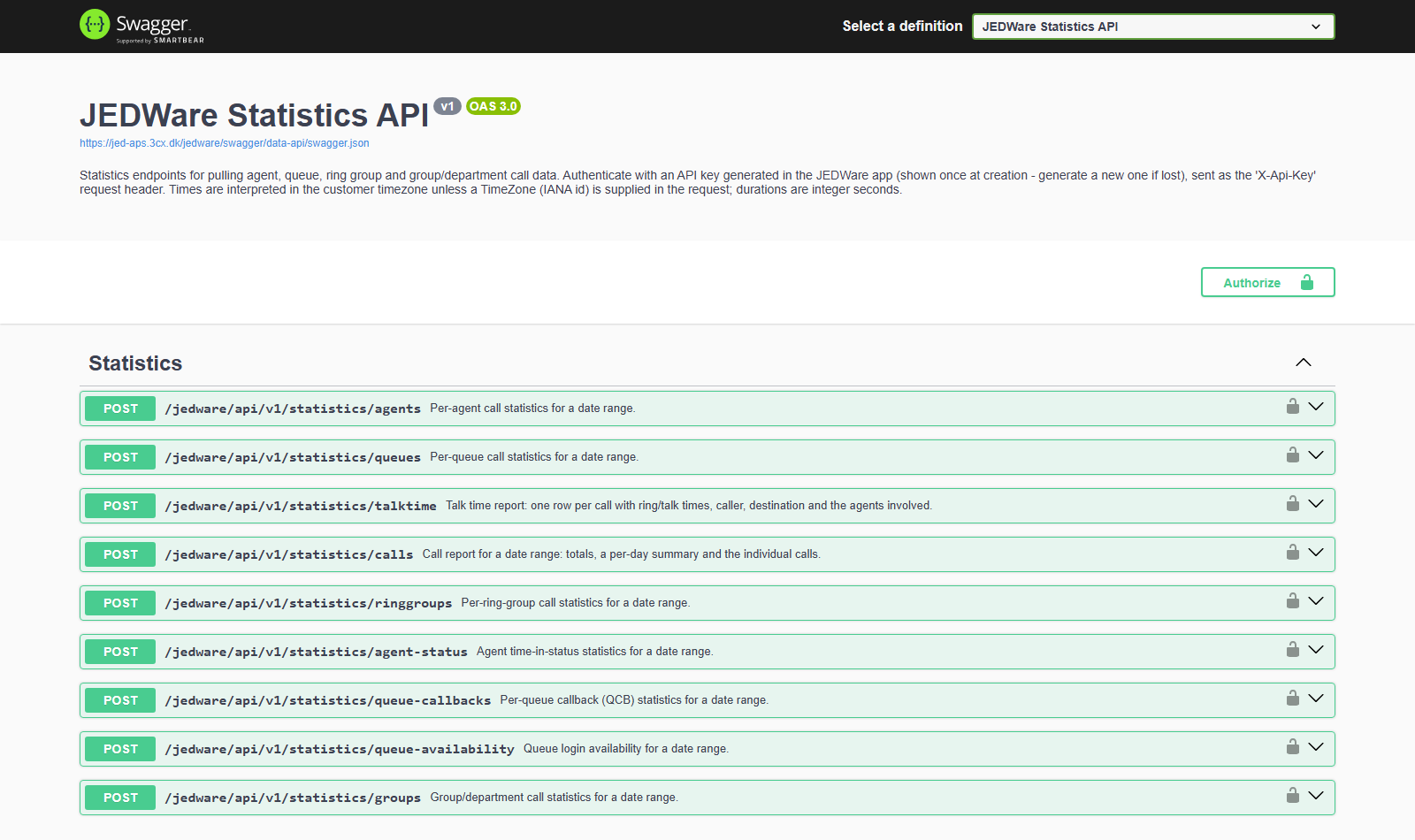
The fastest way to explore is the built-in Swagger UI at https://<your-pbx-address>/jedware/swagger: paste your API key via the Authorize button, open an endpoint, and press Execute. Every endpoint has a pre-filled, ready-to-run example. When you are ready to build, import https://<your-pbx-address>/jedware/swagger/data-api/swagger.json into Postman or any OpenAPI code generator.
