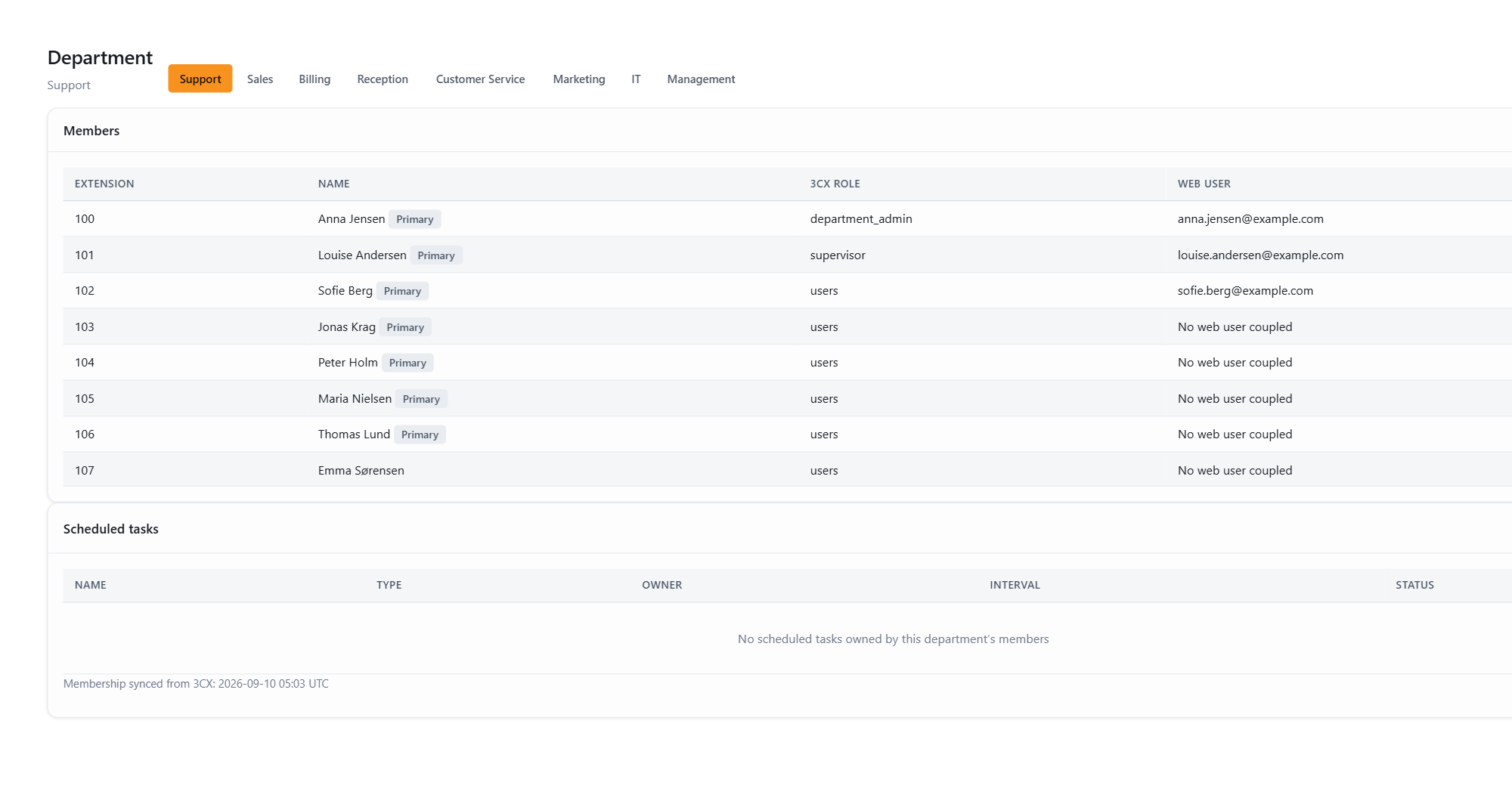
Supervisors and department administrators get a Department page in the menu. It collects what a department manager needs without requiring full administrator access.
What’s on the page
- Members: the department’s roster, as registered in 3CX. Shown when your 3CX role grants the “can see group members” right. The list is read-only; membership is managed in 3CX.
- Scheduled reports: the recurring reports owned by people in your department.
Who sees which scheduled reports
Scheduled reports (under Report → Scheduled tasks) have an owner: the person who created them. Visibility follows ownership:
| Report | Who sees it | Who can change it |
|---|---|---|
| Your own reports | You, your department’s managers, and admins | You and admins |
| Another user’s reports | Their department’s managers and admins | They and admins |
| Company reports (no owner) | Everyone | Admins only |
“Company reports” are reports without a personal owner, typically reports created before ownership was introduced or reports set up by JEDWare support on your behalf. They stay visible to everyone so shared reports keep working, but only administrators can edit them.
When an administrator edits someone else’s report, the administrator becomes its new owner.
For the overview of the JEDWare 3CX reporting tools, from the Daily overview to scheduled PDF and CSV reports, see the feature page.