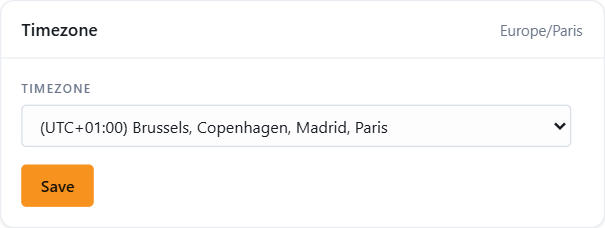
Every time in JEDWare, in reports, call lists and scheduled reports, is shown in the time zone of the user who is logged in. The default is the time zone of the 3CX server. If you sit in another country than the phone system, set your own.
The setting only affects your login. It does not change anything for other users or in 3CX.
Set your time zone
Click your user icon at the top right of the app and click User settings.
Under Timezone, pick your time zone in the list.
Click Save.
The other settings on the page
Stealth mode under Additional settings hides your own extension from wallboards and reports for the others. Meant for managers and support staff who are members of a queue but should not be counted as agents.
Two-factor authentication: set up an authenticator app or an email code for your login. An administrator can require it for a whole role. See User roles.
Not using JEDWare yet?
Reports, dashboards and live wallboards for 3CX. Free 14-day trial, no credit card.