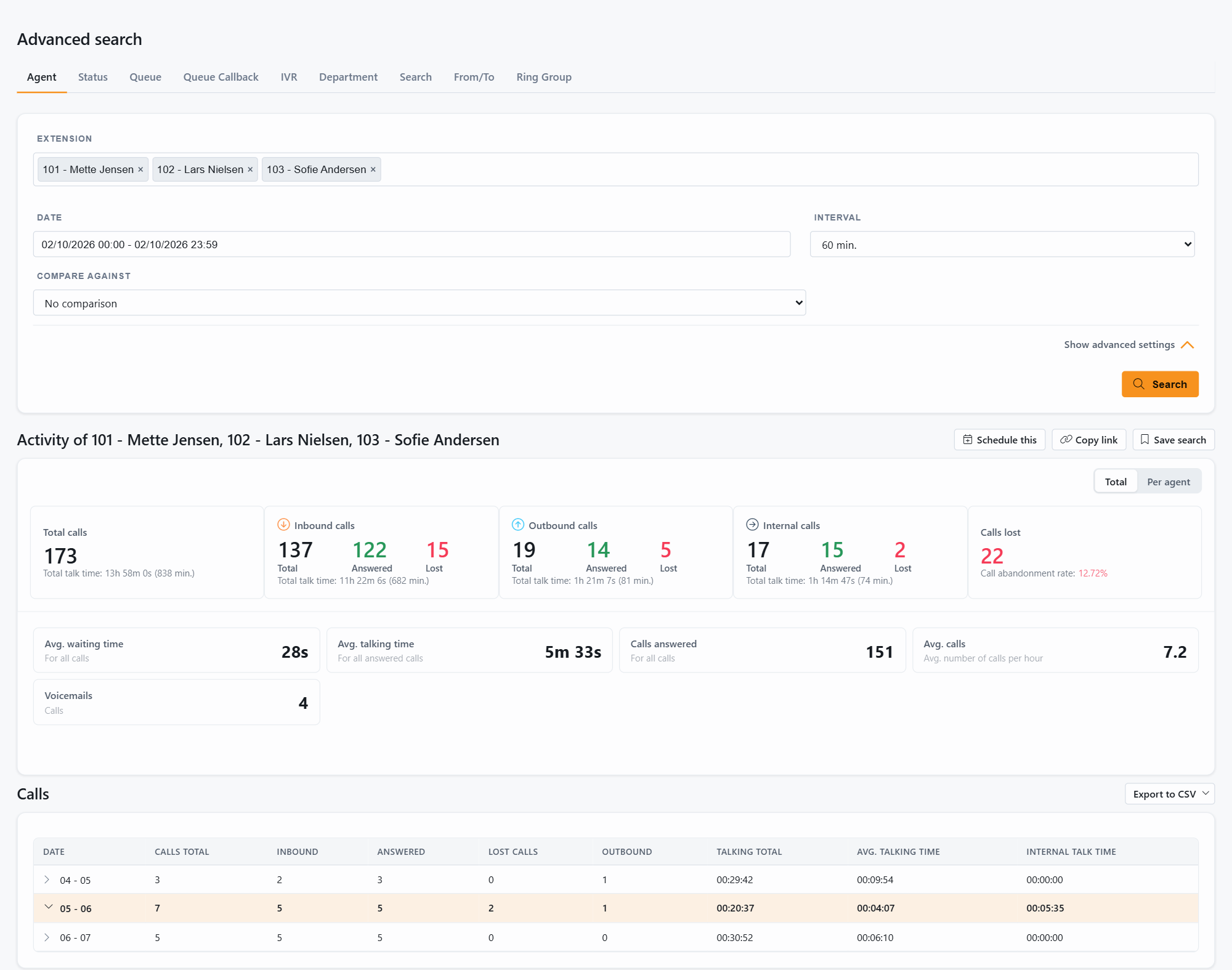
Every report in Advanced search has an Export to CSV button above the result table. The file opens in Excel, Power BI or any other tool that reads CSV, and contains the detailed rows of the report you are looking at.
For a report you need every day, week or month, use Scheduled tasks instead: JEDWare generates the CSV file on its own and saves it to your server or emails it. See Scheduled CSV reports for Excel or Power BI and the scheduled report articles.
Reports, dashboards and live wallboards for 3CX. Free 14-day trial, no credit card.