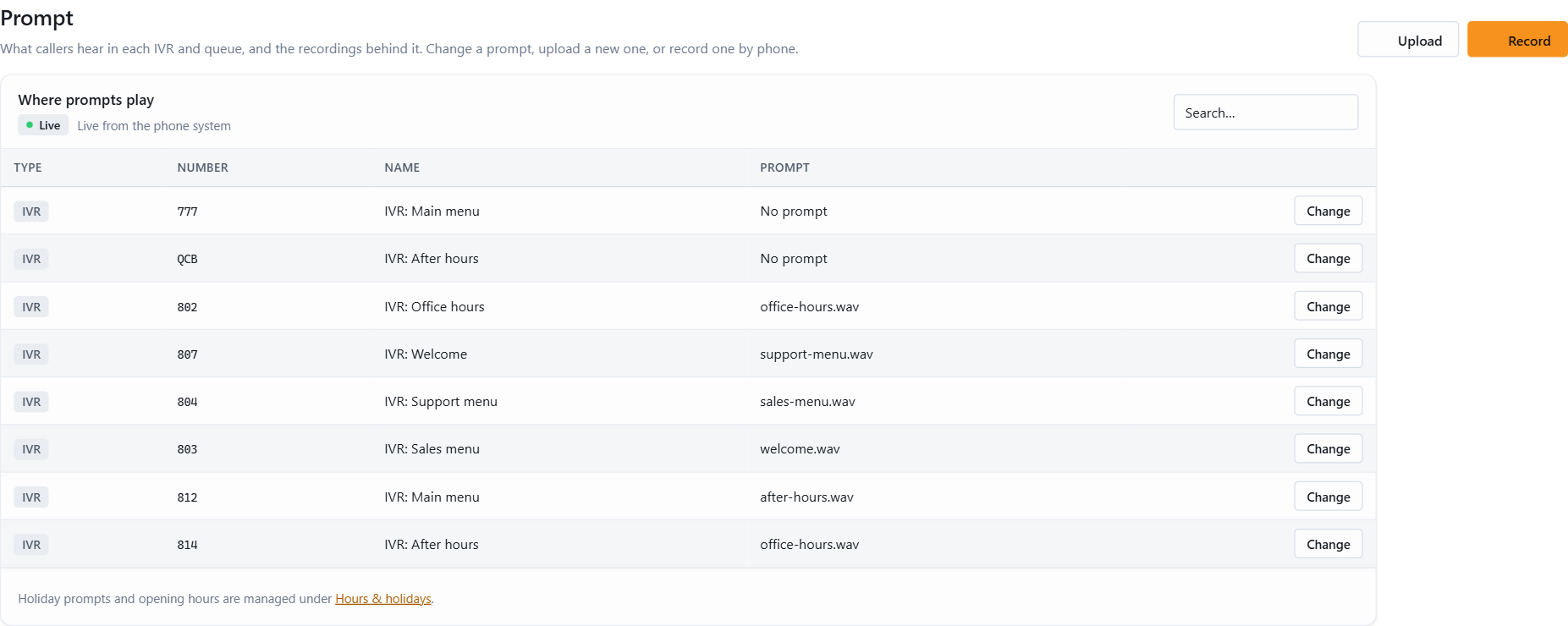
Prompts are the recordings callers hear in a 3CX IVR or queue: the welcome message, the menu, the announcement while waiting. With JEDWare, changing them no longer needs the 3CX admin console. On the Prompt page in the left menu you pick the IVR or queue, choose a prompt from the library, upload a new WAV file or record one by phone, and the change is applied to 3CX right away.
That makes it possible to hand prompt handling to the people who use it: a receptionist can switch to the holiday message on Friday afternoon, and a team leader can update the queue announcement without a ticket to IT.
The guide below shows how to change and create prompts: which WAV format plays best, how to upload or record, and how to assign a prompt to a queue or IVR.