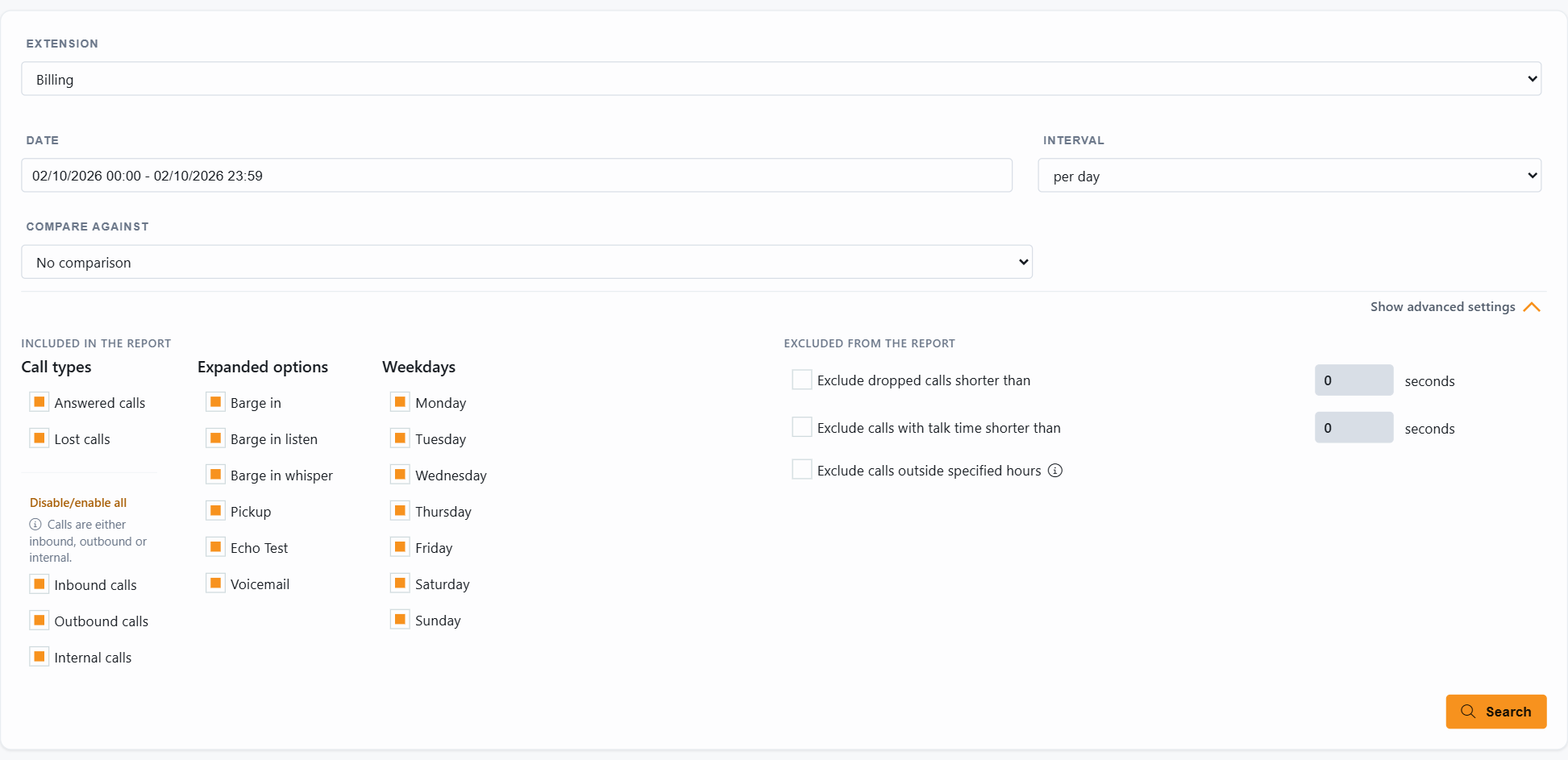
The Department tab (called Group in older versions) reports on a whole 3CX department at once: everyone in the department, without picking the extensions one by one. Departments come from your 3CX and are synchronized automatically; see How Departments work in JEDWare.
Open Report, Advanced search and select Department.
Pick one or more departments.
Set the date, the interval and optionally a period to compare against, then click Search.
The result
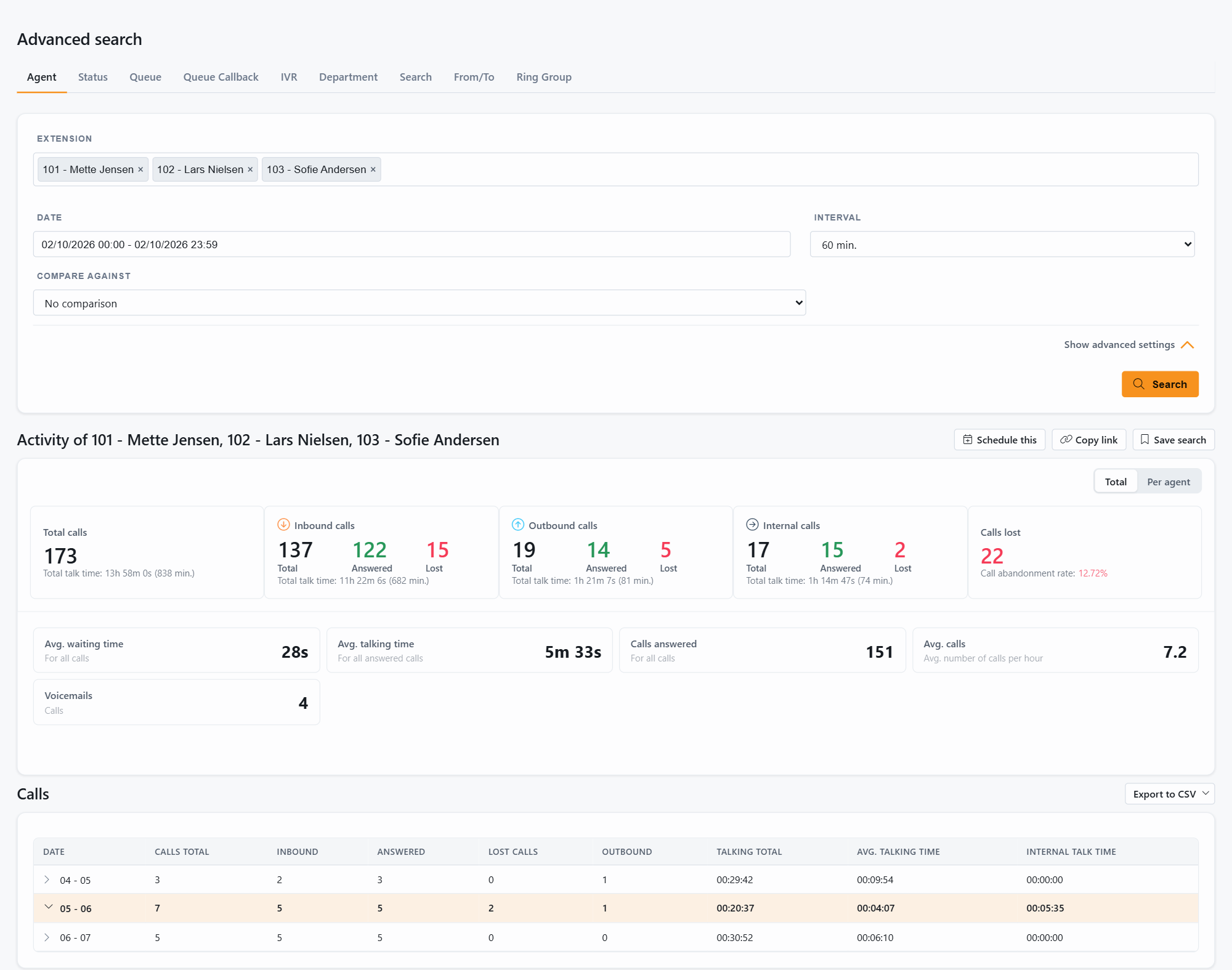
The layout is the same as the Agent search: activity tiles with total, inbound, outbound, internal and lost calls, average waiting and talking time, calls answered and calls per hour, then the interval table. Click an interval to unfold its calls, and a call to open its call flow.
Department managers see their own department here without tenant-wide rights; see Who can see what.
For the overview of the JEDWare 3CX reporting tools, from the Daily overview to scheduled PDF and CSV reports, see the feature page.
Not using JEDWare yet?
Reports, dashboards and live wallboards for 3CX. Free 14-day trial, no credit card.