
Most of JEDWare lives in our cloud and is updated without you doing anything. The integration on your 3CX server only needs an update when a new feature needs it or a fix lands there. Versions are dated: 26.9.1 was released in September 2026.
How you know an update is due
- A red bell appears in the top bar of the app. Click it to read the message and get the download link.
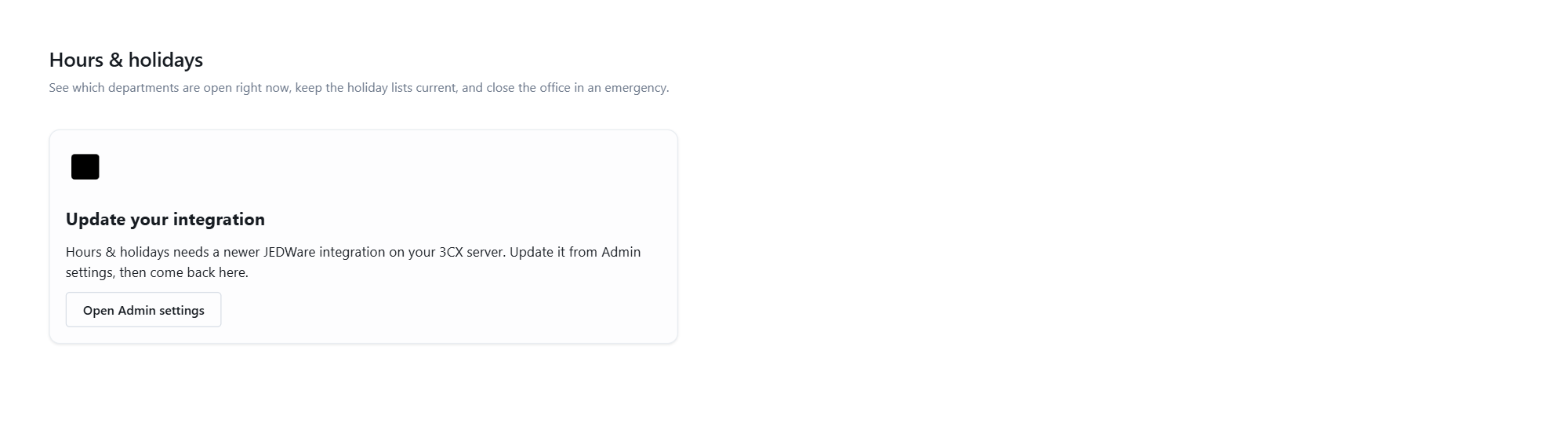
- A page that needs a newer integration shows an Update your integration panel instead of its content, with the version it needs.
- The change log lists what each version adds.
Before you start
During the update your users lose their reports and wallboards for a minute or two. Do it outside office hours. Have your JEDWare license key at hand; it is on your user page at customer.jed-ware.com.
Update on Windows
Download the newest JEDWareIntegration.msi on the 3CX server and run it. It updates the existing installation; follow the same wizard as in the Windows install guide.
Update on Debian
Download the newest installer and run it, exactly as in the Debian install guide:
sudo mkdir -p /opt/JEDWareInstall
cd /opt/JEDWareInstall
sudo wget -N https://download.jed-ware.dk/JEDWareInstaller
sudo tar -zxf JEDWareInstaller
sudo ./LinuxInstaller
sudo systemctl restart nginx
sudo systemctl restart JEDWare
Afterwards
Sign in at app.jed-ware.com and check that the update notice is gone. If the app still reports the old version, restart the JEDWare service.